
Guidelines
Structure your project so every feature is found
A few conventions are all Features needs. Follow them and the CLI detects your features, their owners and their documentation automatically.
Two ways to declare a feature
A features folder, or a flag in a README
Both methods can be mixed in the same codebase. Folder names can use snake_case, camelCase or kebab-case.
Method 1 · Features folder
Method 2 · Feature flag
feature: false skips a folder even inside features/. Unlike
--ignore-path, its subfolders are still scanned, so nested features are still discovered.
Checklist
Must, should, may
Only the first two rules are required. The others unlock descriptions, ownership and decisions in the dashboard.
-
MUST
Create features in a features folder, or add feature: true to the README front matter.
features/feature-1/ -
MUST
Put the code related to the feature inside the feature folder.
feature-1/file.js -
SHOULD
Add a README.md or README.mdx file into the feature folder.
features/feature-1/README.md -
SHOULD
Add a line of text describing the feature right after the README title.
Handles user login and logout -
SHOULD
Add front matter to the README with an owner property.
owner: backend-team -
MAY
Add any other properties you want to the front matter.
figma: <url> -
MAY
Add MADR decision records into the feature decisions folder.
__docs__/decisions/001-use-jwt-tokens.md
README format
One README, all the metadata
Every front matter property is optional and you can add your own. The title overrides the folder name; the first line of text becomes the description.
---
feature: true # required if not in a `features` folder
owner: team_1
creation_date: 2022-01-01 # overrides the first commit date
status: active # active, deprecated, archived
deprecated: false
---

# Save user

Creates and updates user accounts from the profile page.owner— the team shown in the dashboard and written to CODEOWNERS.feature—truedeclares a feature anywhere,falseskips one.creation_date— overrides the date of the first commit in the feature.status/deprecated— lifecycle of the feature: active, deprecated, archived.
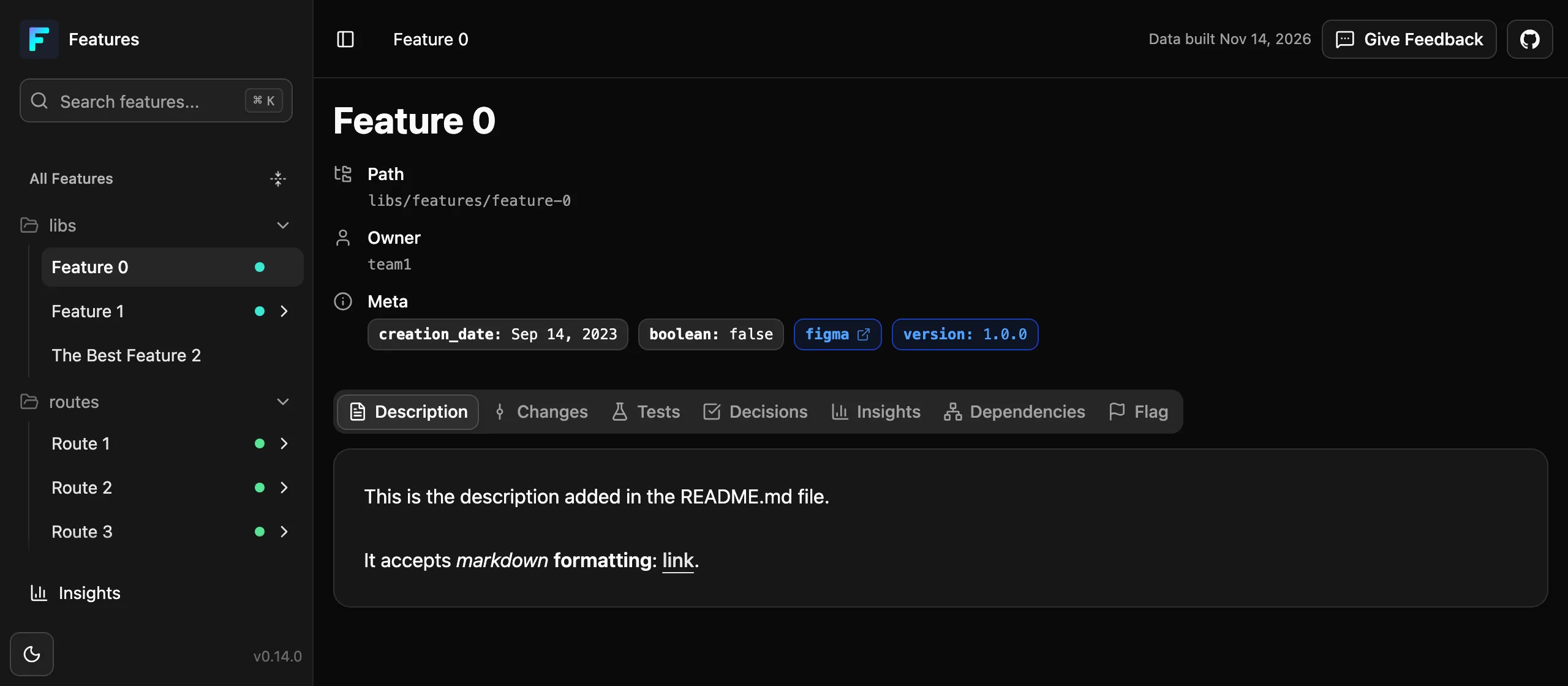
Decision records
Keep decisions next to the code they shaped
Add Markdown files to a __docs__/decisions/ or .docs/decisions/ folder in the feature. They appear under the feature in the dashboard. The template is inspired by MADR.
-
01
Title
A clear, concise description of the decision
-
02
Status
proposed, accepted, rejected, deprecated or superseded
-
03
Context
Background and the problem being solved
-
04
Decision
What was decided
-
05
Consequences
Expected positive and negative outcomes
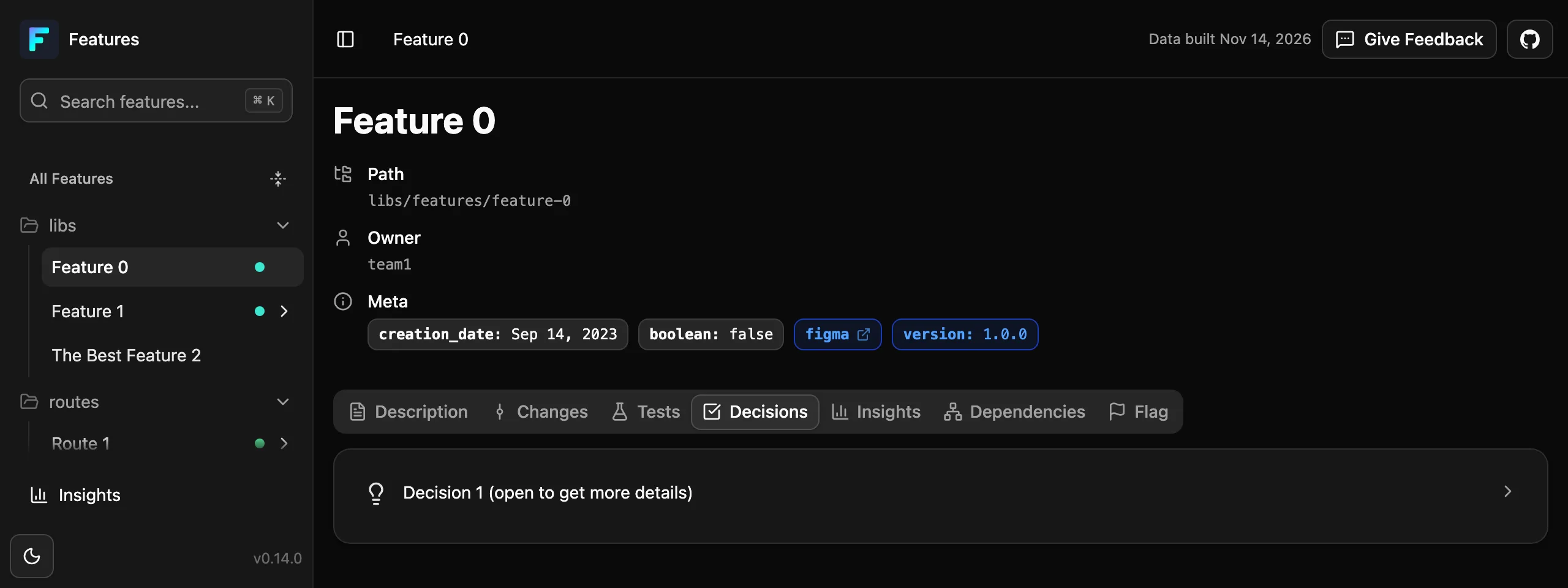
Feature metadata annotations
Tag flags and dependencies from any file
Special comments attach metadata to a feature from anywhere in the codebase. The metadata key becomes a tab in the web UI, and properties are free-form key-value pairs.
feature: is optional when the comment is already inside the feature folder.
// --feature-flag feature: feature-1, name: feature-flag1, type: experiment, owner: team-a, introduced_on: 2025-01-01

export function experimentalLoginFlow() {
  // implementation
}# --feature-flag name: feature-flag1, type: processing, language: python// --feature-flag name: feature-flag1, type: core, status: stable# --feature-flag name: feature-flag1, environment: production, region: us-west-2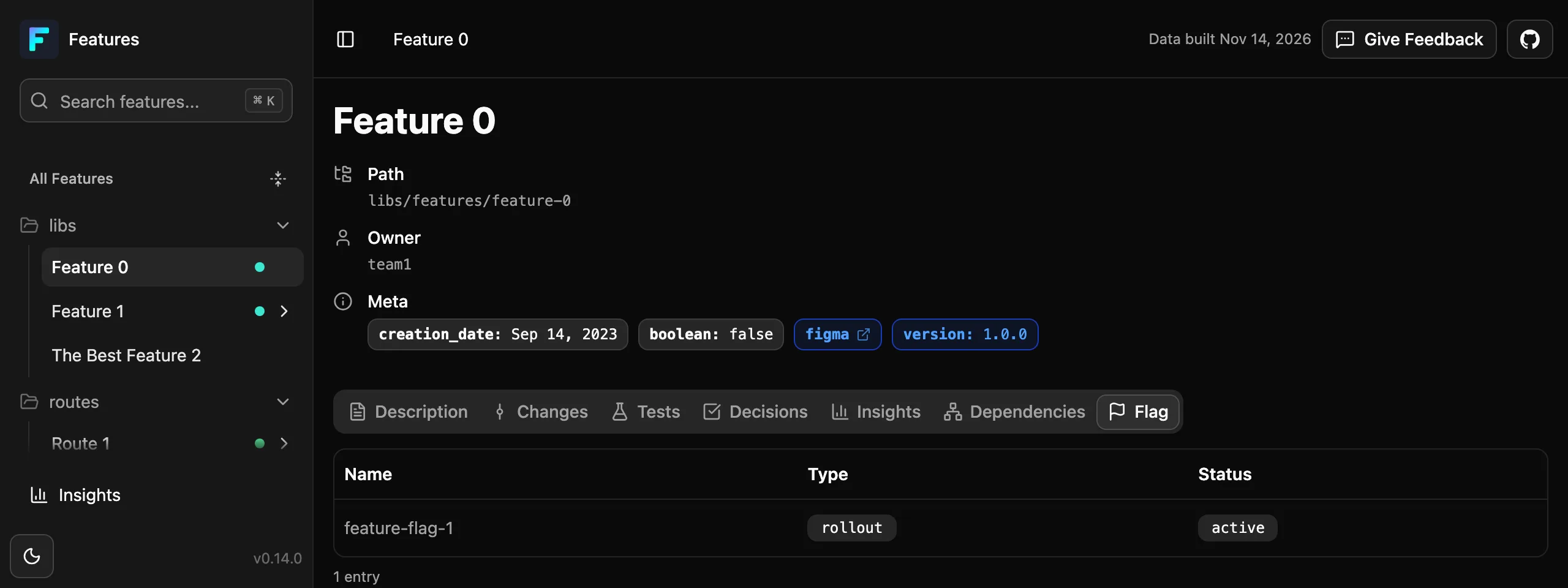
Read the full guidelines and README format on GitHub.
See your features in one command
No configuration, no account. Point the CLI at a folder and open the dashboard.
$ npx features-cli@latest serve ./src